
Contents
- Begin with one observable change
- Build the Swipey AI prompt in six decisions
- Keep the camera subordinate to the action
- Rewrite the brief for image-to-video
- Express constraints as visible conditions
- Diagnose the responsible slot
- Check the generator before committing to a workflow A useful adult AI video prompt does more than describe an attractive frame. It identifies what changes during the shot, how the viewer sees that change, how quickly it happens, and which visual relationships should remain stable.
This distinction matters when evaluating an Adults 18+ AI video generator. A richly detailed prompt can still produce an awkward clip when it asks the subject to perform several actions while the camera, lighting, setting, and composition also change.
Swipey AI is an independent editorial guide, not a generator or upload service. During an October 12, 2026 review of its live homepage, sitemap, About page, and three published guides, one pattern remained consistent across the site. The motion guide divides a shot into subject, action, camera, and light; the recipe library preserves the action-camera-light structure while initially changing the subject; and the camera guide favors steady movement over complex combinations. That repeated structure is the practical core of the Swipey AI method.
Begin with one observable change
A still-image description tells a model what exists. A video prompt must also describe change over time. Before adding cinematic terminology, complete this sentence:
During this shot, the adult subject ______.
Fill the blank with one visible action: turns toward the window, adjusts a jacket collar, takes two slow steps forward, or looks up from a book. “Feels confident” is an interpretation rather than observable motion. Translate it into posture, gaze, expression, or timing.
Keep the action small enough to fit the clip. Runway advises treating a five- or ten-second generation as a single scene because multiple actions, scene changes, or style shifts can produce unintended results (Runway Gen-4 Video Prompting Guide). Although that advice describes Gen-4, the planning principle is broadly useful: a short shot needs a short dramatic unit.
An overloaded brief might read:
An adult model walks across the room, turns, sits down, changes expression, and reaches toward the camera as the view spins around them.
A focused version is easier to direct and review:
An adult model in evening wear turns slowly toward the window.
The unused actions can become later shots rather than competing instructions in the same generation.
Build the Swipey AI prompt in six decisions
The published Swipey AI framework separates subject, action, camera, and light before merging them. Pacing and visible constraints add two useful review controls.
| Part | Decision | Example wording |
|---|---|---|
| Subject | Who and what must remain recognizable? | “One clearly adult subject in a dark tailored jacket” |
| Motion | What is the defining change? | “Turns their head toward the window” |
| Camera | How does the frame behave? | “Static medium shot” |
| Lighting | What source shapes the scene? | “Soft window light from frame left” |
| Pacing | How quickly does the change occur? | “Slowly, in one continuous movement” |
| Constraints | Which visible relationships should remain stable? | “Fixed background geometry and consistent wardrobe details” |
Draft these decisions separately, then merge them into natural language:
Medium shot of one clearly adult subject in a dark tailored jacket. The subject slowly turns their head toward the window in one continuous movement. The camera remains static. Soft window light enters from frame left. Facial features, wardrobe details, and background geometry remain stable throughout the shot.
This is a diagnostic structure, not a magic formula. If the framing is wrong, edit the camera instruction. If the motion finishes too quickly, change the pacing. If the background bends, simplify the spatial demands without rewriting the subject and lighting at the same time.
The independent publication’s camera and lighting guide recommends restrained editorial starting points: a static tripod shot, slow push-in, slow pull-out, gentle orbit, or slow handheld follow. These are working vocabulary rather than model-by-model benchmarks, so verify each term in the generator you intend to use.
Keep the camera subordinate to the action
Camera language should clarify the subject’s movement rather than compete with it. Start with one camera-subject relationship:
-
A static camera keeps attention on an expression, posture change, or small gesture.
-
A slow push-in adds emphasis along a simple visual axis.
-
A slow pull-out gradually reveals more of the setting.
-
A gentle orbit reveals depth but requires the model to preserve more spatial information.
-
A slow follow supports walking or another directional action.
“Cinematic camera” does not specify where the lens goes. “Slow push-in from a medium shot toward a close-up” does. The requested travel must also be plausible within the available clip duration.
Lighting benefits from the same precision. “Beautiful lighting” is subjective, whereas “warm lamp light from frame right with soft shadow falloff” identifies a source, direction, color tendency, and quality. One coherent source gives the model a clearer relationship to preserve than simultaneous moonlight, colored LEDs, candle flicker, and a moving spotlight.
Google DeepMind similarly treats framing, camera motion, lighting, character, location, action, and style as distinct controls in its Veo prompt guide. A prompt does not need every possible control. It needs the controls that define the intended shot.
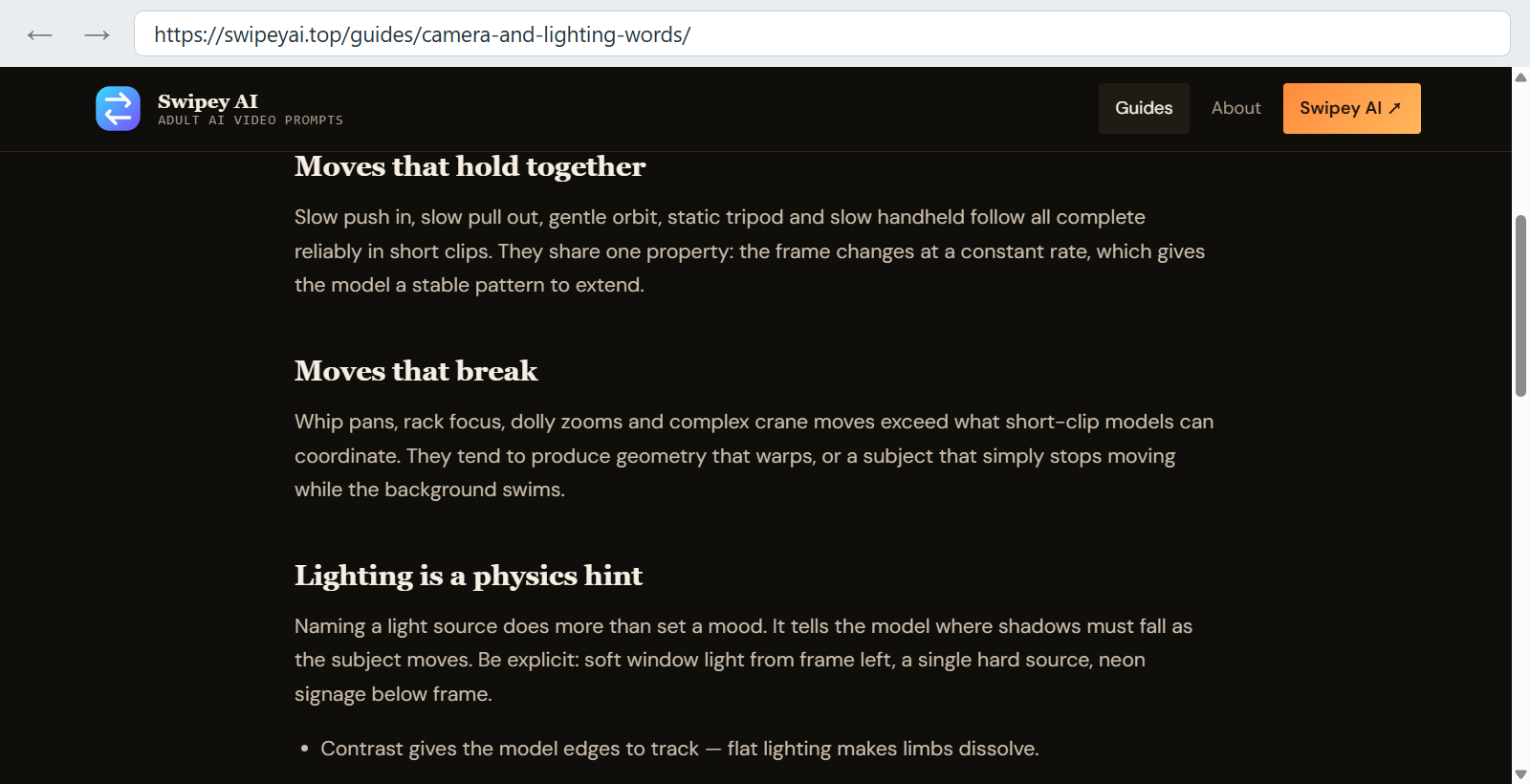
The guide favors steady, clearly defined camera movement and lighting described by source and direction.
Rewrite the brief for image-to-video
Text-to-video and image-to-video require different emphasis. A text-to-video prompt may need to establish the subject, location, composition, lighting, and visual style. In image-to-video, the source frame already carries much of that information.
Runway’s official guide explains that an input image establishes the initial subjects, composition, colors, lighting, and style, allowing the text to concentrate on motion. Its published mouse example starts with a still frame of a mouse standing in a warm shaft of light inside a stone corridor, then adds the compact instruction “the handheld camera tracks the mouse as it scurries away.” A visual check of the official source-and-output pair found that the mouse changes pose and position while the corridor, light direction, and overall composition remain recognizably continuous. That observed result illustrates the intended division of labor: the image carries the visual setup, while the text directs subject and camera movement. Because the page presents one selected output rather than a failed clip followed by a revision, the case supports prompt allocation but does not establish reliability or transfer to another model.
If a reference already shows an adult subject seated beside a warm lamp, repeating “seated beside a warm lamp in an amber room” spends words on information the image already supplies. Put the emphasis on change instead:
The subject raises their gaze toward the camera, then holds eye contact. Subtle breathing and natural fabric movement. Static camera and slow, restrained pacing. The lamp position and room geometry remain unchanged.
Inspect the source frame before writing. Runway specifically recommends a high-quality input image free of visual artifacts and explains that the image supplies the subjects, composition, colors, lighting, and style. Record any visible artifact or ambiguity before generation and check the same area in the result. Treat this as a preflight checklist, not as proof that every imperfection will cause a failure.
Express constraints as visible conditions
Negative-prompt syntax varies by generator. Check whether the chosen tool has a separate negative field, accepts constraints in the main prompt, or documents no negative-prompt feature.
Portable constraints describe an inspectable result:
-
“One adult subject remains in frame throughout.”
-
“The camera stays level and the background remains fixed.”
-
“Hands remain outside the crop.”
-
“Facial identity and wardrobe details stay consistent.”
-
“Movement is continuous, with no cut or scene transition.”
These statements are more useful during review than a vague list such as “no glitches, no weirdness, no bad anatomy.” They identify the visual relationship that should remain stable, although no wording guarantees enforcement.
Pacing also deserves an explicit instruction. Adobe recommends specific verbs and speed modifiers to communicate rhythm and flow (Adobe Firefly video prompting guide). “Gradually turns” and “abruptly looks up” carry more timing information than “turns” or “looks.”
Diagnose the responsible slot
Do not review a generated clip only as “good” or “bad.” Watch it several times, checking one decision on each pass:
- Motion: Did the intended movement begin, progress, and finish clearly?
- Camera: Did the frame behave as requested, or was camera movement confused with subject movement?
- Lighting: Did the named source retain a coherent direction?
- Pacing: Was the action readable within the available duration?
- Stability: Did the important subject, wardrobe, and background relationships remain coherent?
An unchanged reroll can be used as a controlled evaluation step when a tool provides that option. First record the model and version, seed or variation setting, source image, prompt, aspect ratio, duration, and camera controls. If the same defect appears again, the repetition is a signal worth investigating; it is not proof that one prompt instruction caused the defect, and the extra run may consume credits.
To evaluate whether camera complexity contributes to unstable background geometry, design an A/B check: keep the subject action, light, pace, constraints, source image, model, and other settings fixed, then replace an orbit with a static camera. This procedure isolates one variable for comparison. Until the two outputs have actually been generated and logged, present it as a test plan rather than an observed improvement.
Check the generator before committing to a workflow
Prompt quality cannot compensate for a missing product control. Before selecting or comparing a generator, verify its current documentation or interface for:
- Maximum clip duration and supported aspect ratios
- Text-to-video, image-to-video, or both
- Documented camera and motion controls
- Negative-constraint syntax and where it belongs
- Seed, variation, or reroll controls, if available
- Whether the same reference image and settings can be preserved across revisions
Do not assume that terminology supported by one platform transfers directly to another. Use one neutral scene, preserve the source material and settings, and change only the control being evaluated.
Keep this Swipey AI prompt card beside the generator:
Adult subject: [who and what is visible]
Primary motion: [one observable change]
Camera: [one framing and movement choice]
Lighting: [one source, direction, and quality]
Pacing: [speed and continuity]
Stable conditions: [visible relationships that should not change]
The framework earns its value during revision. A separated brief lets you identify what the output misunderstood, alter the smallest relevant instruction, and compare the result without losing the decisions that were already working.