Start with a clear source image
Use a sharp, evenly lit image with a visible face, a simple background, and enough space for the intended motion.
Swipey AI · Adults 18+
Swipey AI turns a suitable source image into a short adult AI video through fast prompt and image-to-video experiments. Choose a scene, prepare the image, check the framing, and start generation.
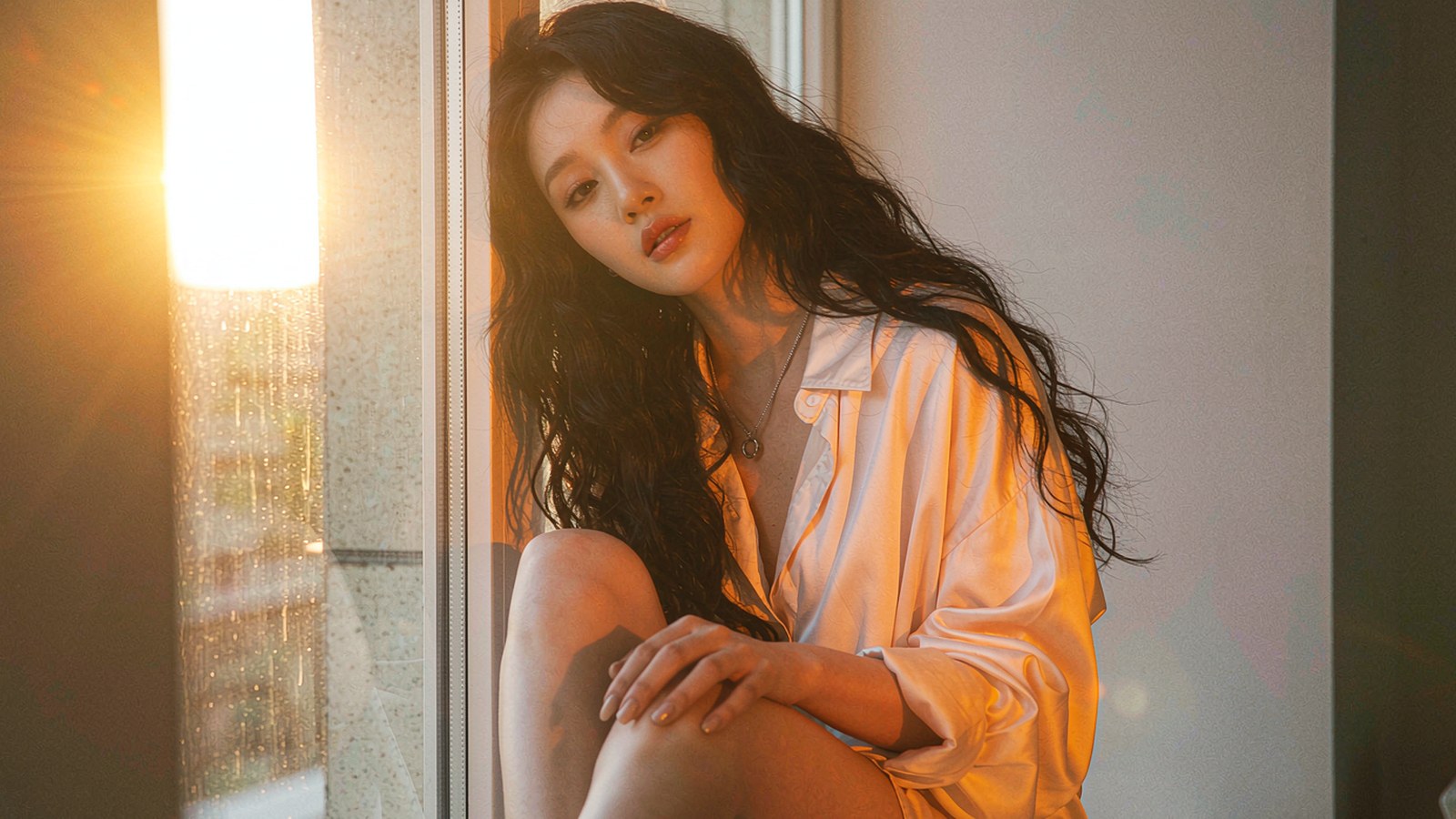

Swipey AI overview
Swipey AI is an Adults 18+ AI video generator built for fast prompt and image-to-video experiments. The useful questions are what you provide, how the scene moves, what the generator returns, and how to judge the finished clip.
Use a sharp, evenly lit image with a visible face, a simple background, and enough space for the intended motion.
Read the preview for direction and intensity. Choose motion that the visible pose and crop can support.
Decide what the subject should do, then whether the camera should stay fixed, pan, or move closer.
Swipey AI combines the source and motion into a short AI video that should be reviewed from beginning to end.
Look for identity drift, distorted hands, flickering edges, and unstable background details.
Swipey AI is for adults. Use only images you have permission to use.
Choose a scene that fits the framing, then open Swipey AI and check the current generation options.
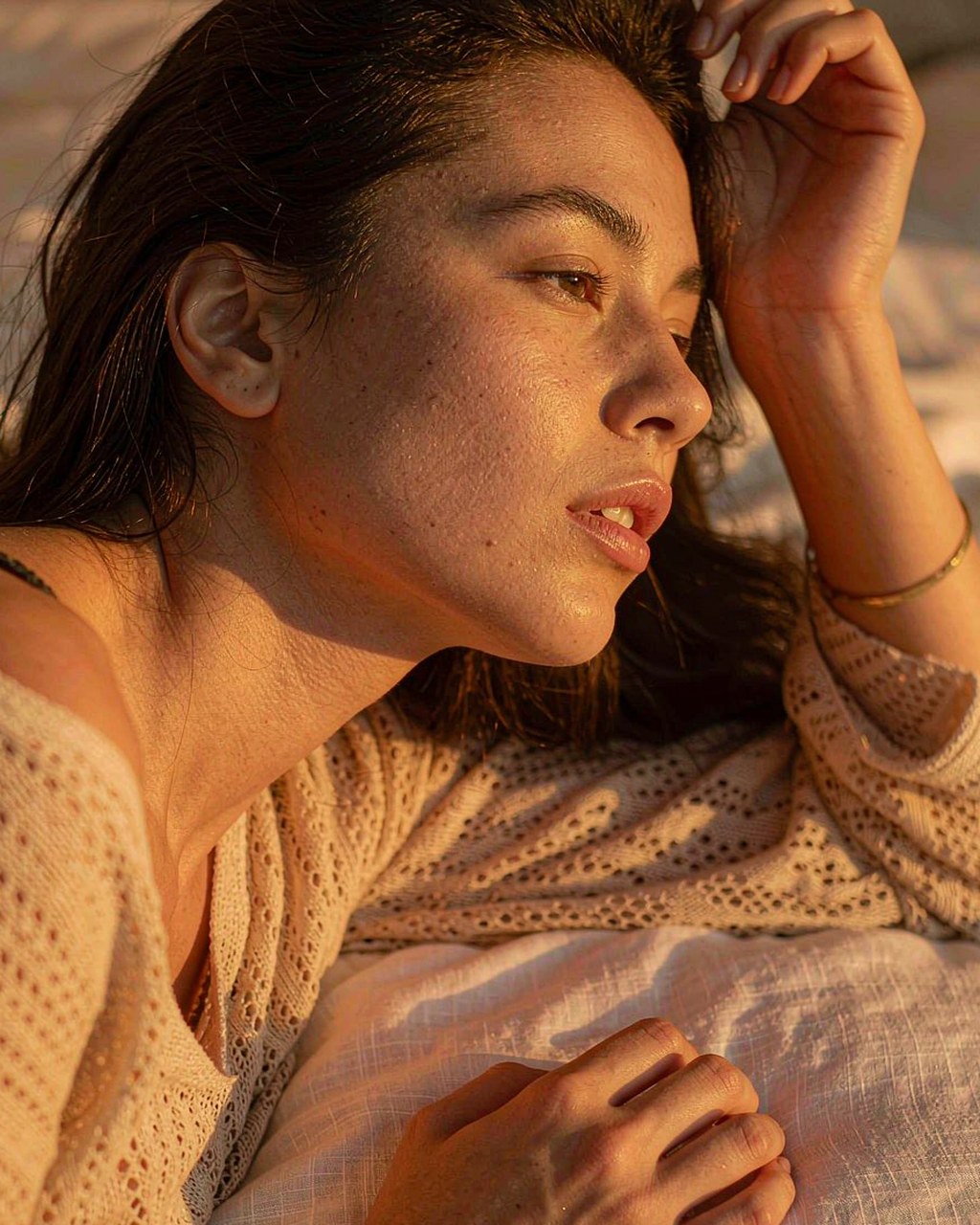 Swipey AI · Adults 18+
Swipey AI workflow
Use a fixed sequence so every retry gives you useful information.
Ideas for Swipey AI
Swipey AI works best when the subject, movement, and framing are decided before generation.
Subtle eye, head, or upper-body movement for a close portrait.
Controlled movement when hands and the body remain visible in frame.
Lighting, environment, and one clear camera move in a compact clip.
A brief visual beat built around expression, presence, and mood.
Before you generate
These decisions affect a Swipey AI result more than promotional language.
| Decision | Check | Why it matters |
|---|---|---|
| Source image | Sharp face, visible hands, simple background | Reduces identity drift and deformed edges |
| Framing | Enough room in the direction of movement | Prevents important details leaving the frame |
| Motion | One clear subject action and one camera priority | Makes the result easier to evaluate |
| Output | Duration, resolution, format, and watermark shown now | Avoids assumptions about the delivered file |
Current product details
Use the information shown by Swipey AI at the moment you generate.
Free use and price
Browsing is free. Check the current generator for a trial, credit requirement, or paid plan.
Account requirement
If sign-in is required to generate, save, or pay, Swipey AI will show it during that step.
Delivered video
Confirm duration, resolution, file format, and watermark status before starting.
Swipey AI FAQ
Direct answers about the product, input, workflow, and output.
Open Swipey AI ↗Swipey AI is an Adults 18+ AI video generator focused on fast prompt and image-to-video experiments.
The information pages are free to browse. Check the current Swipey AI generator for any free trial, credit requirement, or paid plan before starting.
Choose a scene or motion template, prepare and upload a suitable source image, start generation, then review the completed clip.
An account may be required to generate, save, or pay. Follow the requirement shown in the current generator step.
Use a clear, well-lit image with a visible face, minimal obstruction, a simple background, and enough room for the intended motion.
A short AI-generated video clip. Duration, resolution, file format, and watermark status depend on the options currently shown in Swipey AI.
Swipey AI · Adults 18+
Choose motion that matches the source, prepare the framing, and check the current Swipey AI generation options.